Backorders
Backorders may be added, edited or deleted in the following screens:
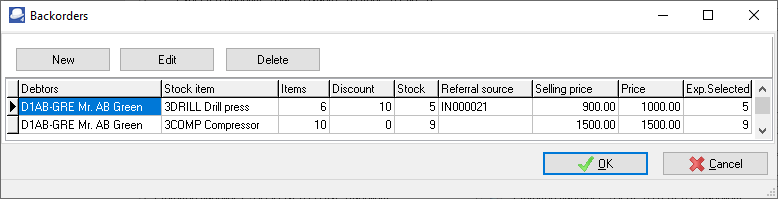
1.Input → Documents → Backorders
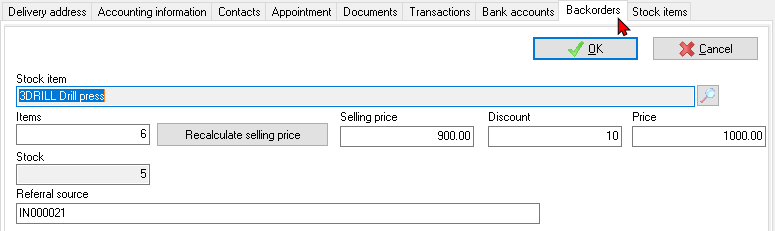
2.Edit → Stock items (Backorders) tab
3.Edit → Debtors (Backorders) tab
4.Processing Invoices and Quotes - You may also click on the Backorder icon to edit backorders when processing invoices and quotes.
|
|
You may also click on the Backorder icon to edit backorders when processing invoices and quotes.
|


The details of backorders may be printed or viewed in the Reports → Stock → Backorder report.
When processing sales documents, the "Backorders" screen is displayed:
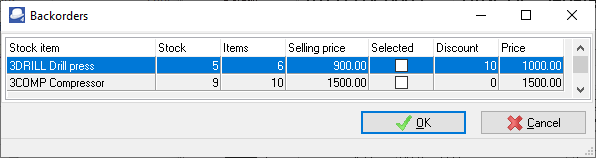
You may select the stock item and click on the OK button.
Input → Documents → Backorders menu
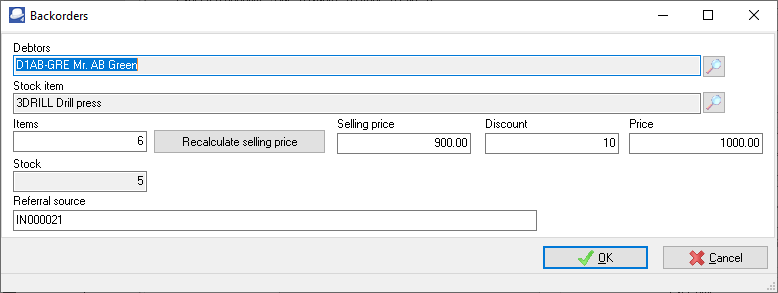
Edit → Stock items (Backorders) tab

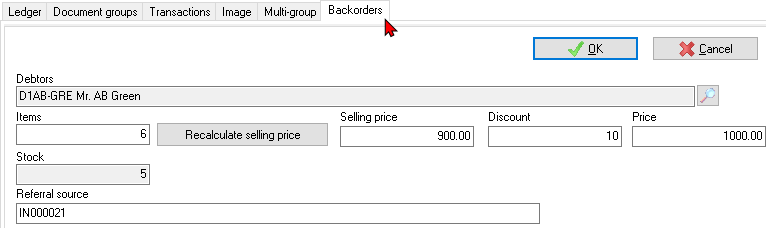
Edit → Debtors (Backorders) tab