Cost of Good Sold
Setup

TurboCASH stands out
because it has a stock system that spans from services to manufacture at various levels of accounting accuracy. Cost of Goods Sold COGS is configurable.
Setup > Stock Info > Cost of Good Sold
If you run a Service business, you probably do not need COSs. Leave these Check Boxes empty.

Example
HANDYMANA, An example with preloaded data
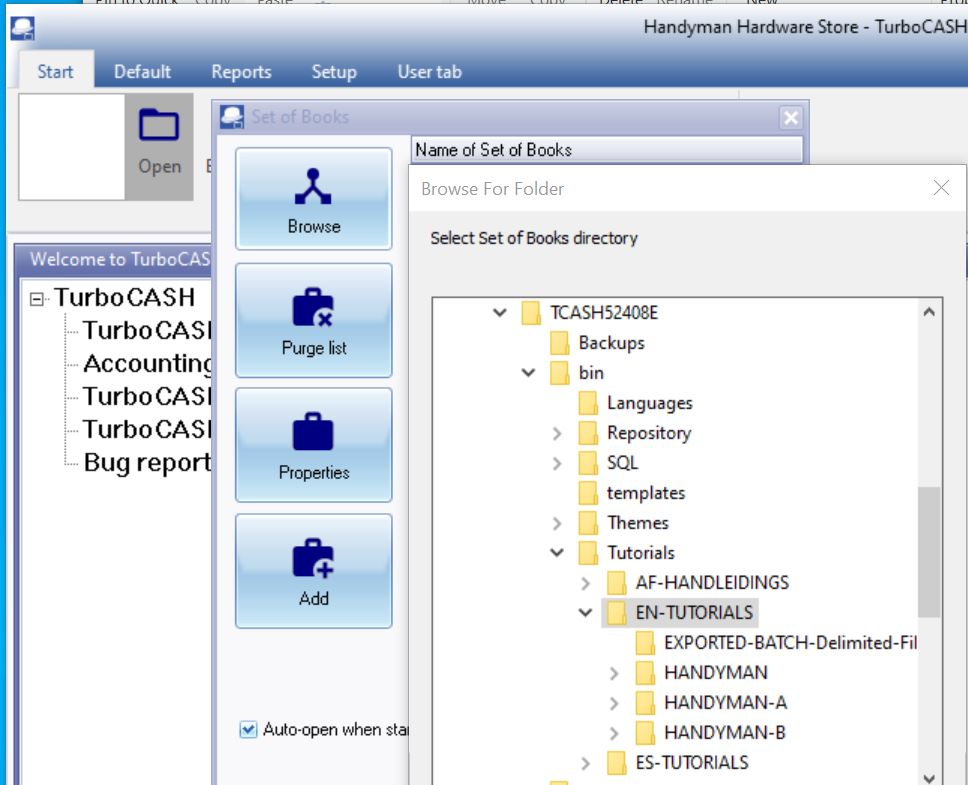
Example
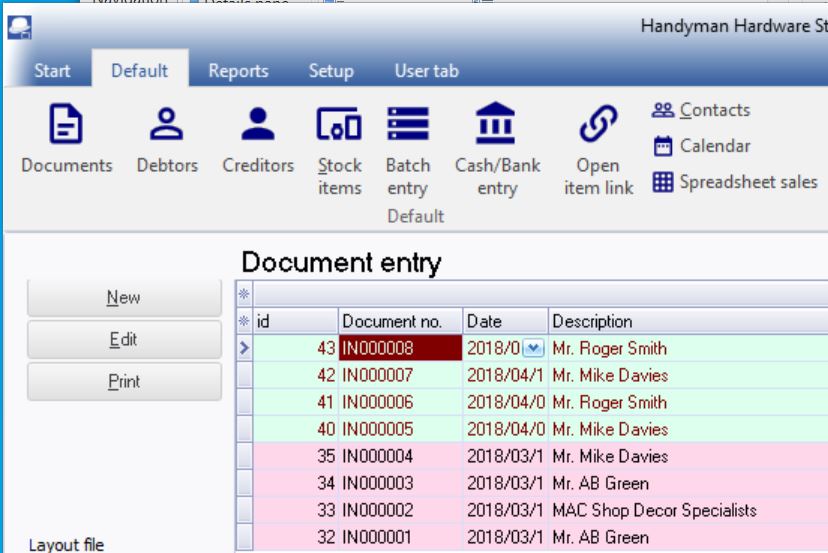
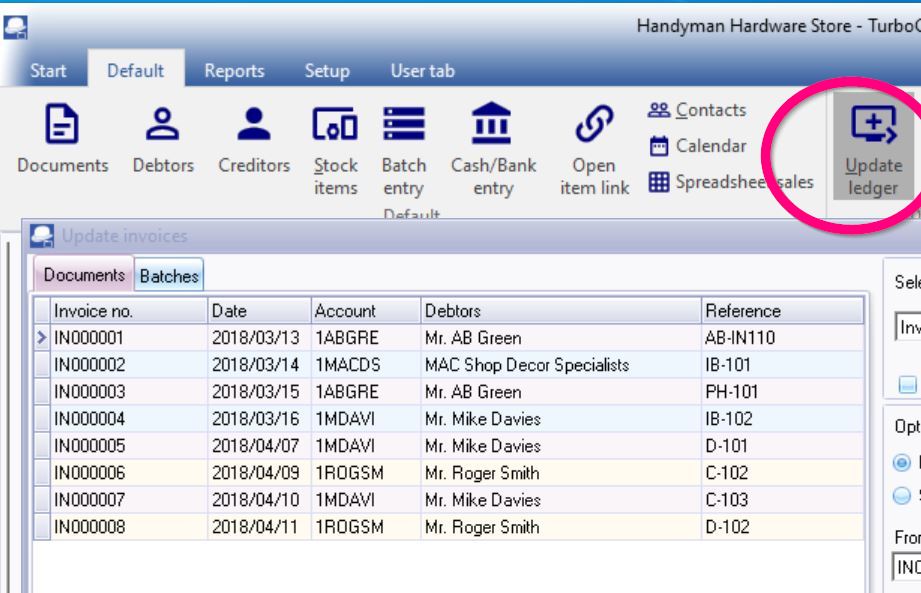
HANDYMANA contains 8 preloaded documents. See
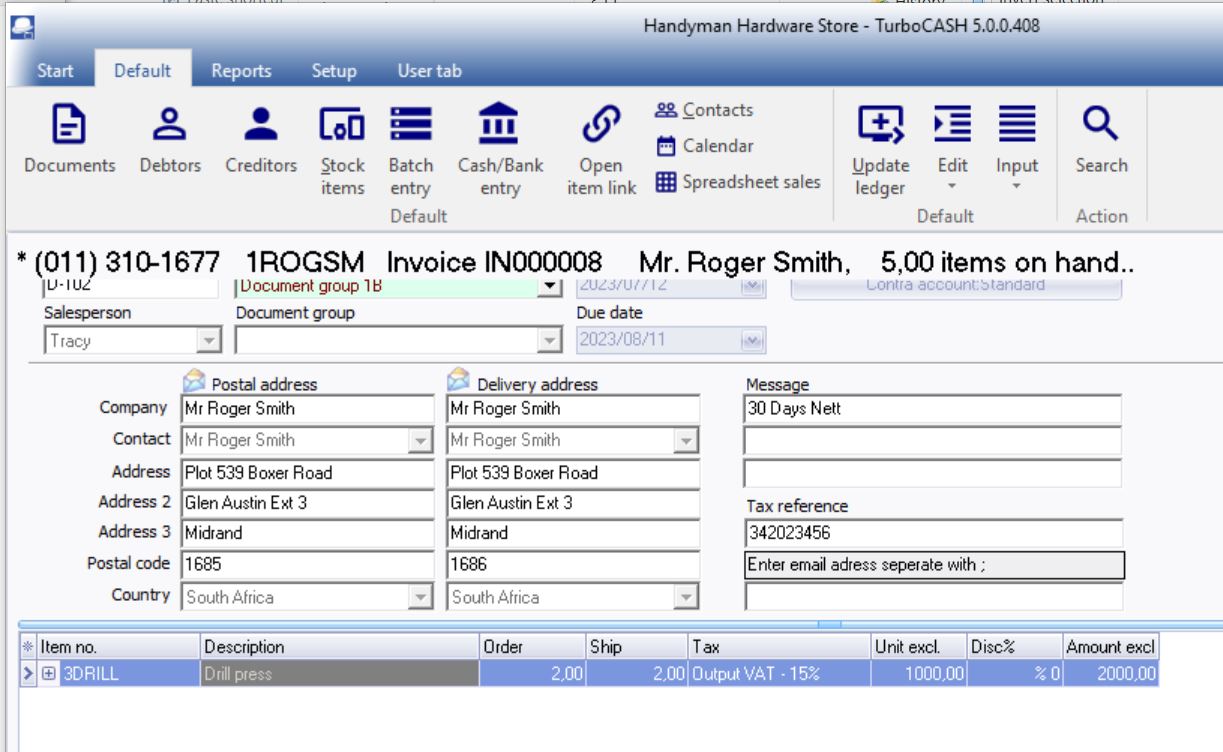
Note IN000008 To Roger Smith for 2000.
Example
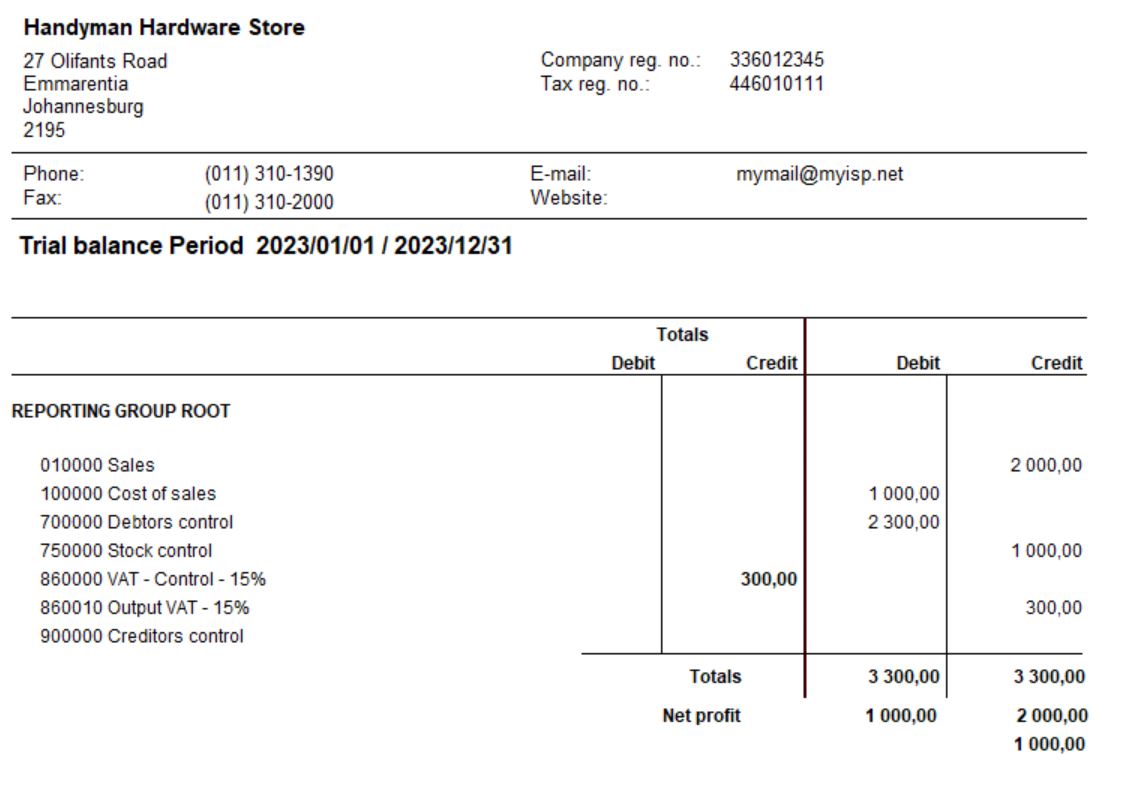
When you post the document
Note the cost of sales data posted per invoice
Transactions
Steps
When you first set up TurboCASH, it is important that you either enter a purchase or do a stock take-on for each stock item, before entering any invoices. By doing this you are giving TurboCASH the cost price of the stock item.
The cost price is used to update the Cost of sales and Stock accounts, when an invoice is created. Therefore, if TurboCASH does not have a cost price, the cost of sales account will be updated with a zero amount. This will cause your gross profit to be over inflated.
Note the cost of sales is posted per document

Caution
The required accounts and settings be absolutely correct before you proceed with purchasing and selling of trading stock items in a Set of Books.
If this is not done, you may find incorrect results in TurboCASH. For example, the Cost of sales transactions may not be generated when documents are posted to the ledger or the cost of sales may be calculated at average cost in stead of latest cost, etc.
Before you start processing documents, you need to be absolutely sure that all settings for Stock items, Cost of sales and Documents are correct.

Posting
Posting Invoices
|
Trading stock items (Default stock item type) |
|
|
Purchases (Purchase journal) |
Invoices (Sales journal) |
|
DR - Stock item (net cost price - Input Tax Excluded) DR - Input Tax (% of purchase price) CR - Creditor (full amount - Input Tax Included) |
DR - Debtor (full amount - Output Tax Included) CR - Sales (selling price - Output Tax Excluded) CR - Output Tax (% of selling price) |
|
|
Cost of sales journal |
|
|
DR - Cost of sales (cost price) CR - Stock (cost price) |
Supplier Returns
The transactions for Supplier returns (Credit notes received from creditors (suppliers / vendors)) are exactly the opposite than those of purchase documents (Invoices received from creditors (suppliers / vendors)).
The transactions for Credit notes (issued to debtors (customers / clients)) are exactly the opposite than those of Invoices.
|
Trading stock items (Default stock item type) |
|
|
Supplier returns (Purchase journal) |
Credit notes (Sales journal) |
|
DR - Creditor (full amount - Input Tax Included) CR - Stock item (cost price - Input Tax Excluded) CR - Input Tax (% of purchase price) |
DR - Sales (selling price - Output Tax Excluded) DR - Output Tax (% of selling price) CR - Debtor (full amount - Output Tax Included) |
|
|
Cost of sales journal |
|
|
DR - Stock (cost price) CR - Cost of sales (cost price) |