Use tabs for Inventory


By default, the Inventory item screen for a selected inventory item, will display the Ledger, Document groups, Image, Multi Groups and Backorders tabs below the Inventory information section.
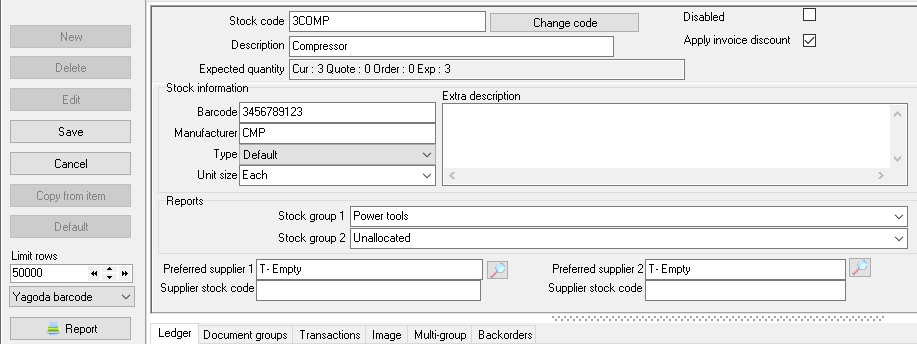
To change the interface of the Inventory item screen:
1.On the Setup ribbon, select Inventory information.
2.On the Inventory information screen, deselect (remove the tick) in the "Use tabs ininventory " field.
3.Click on the OK button. The Inventory item screen for a selected Inventory item will change as follows:
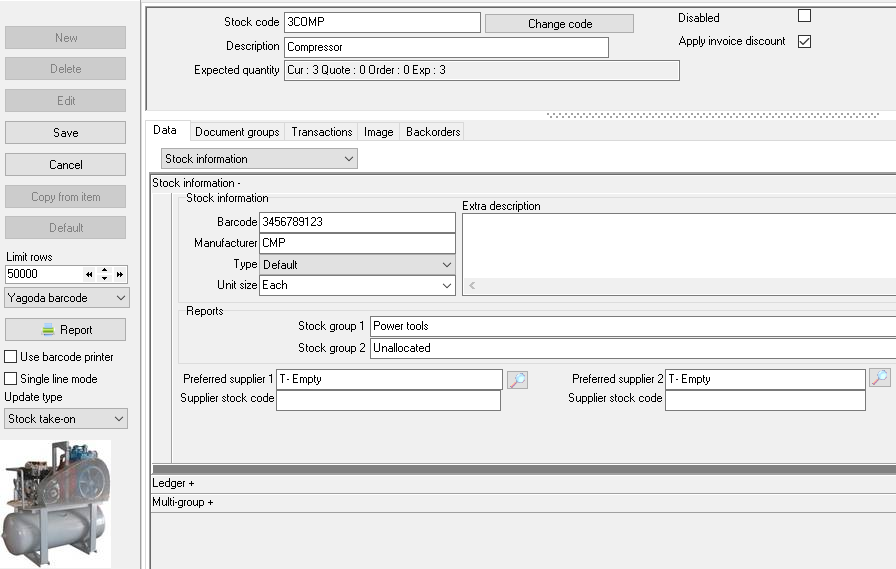
|
You may need to go to the Setup → Tools → Close active forms menu, to close the Inventory item screen before the changes will take effect. |
Created with the Personal Edition of HelpNDoc: Write eBooks for the Kindle
