Multi-currency


1.On the Setup ribbon, select Setup → Currencies.
2.Add the currencies.

1.Create an Invoice as usual.
2.Select the Currency

When you print the invoice, it will display the selected currency, e.g.:
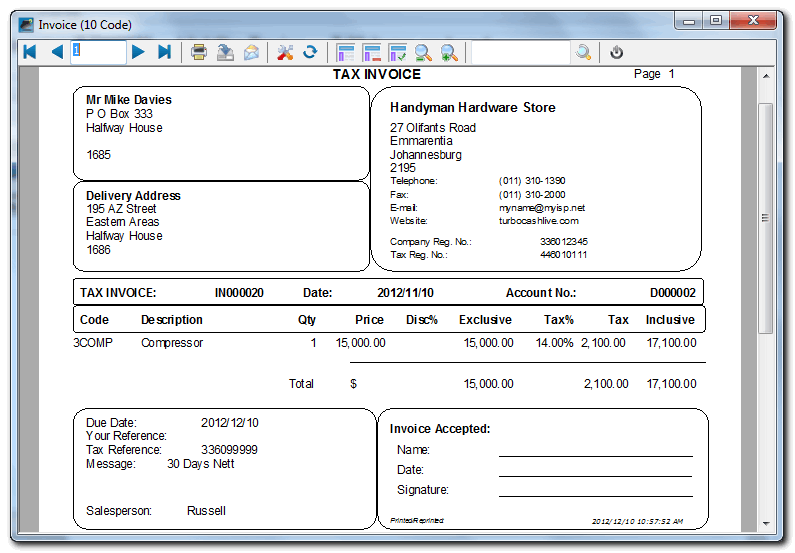
The payment from a different country may differ from the original invoice (e.g. invoice 15000.00 and payment received 15100.00) due to currency fluctuations.
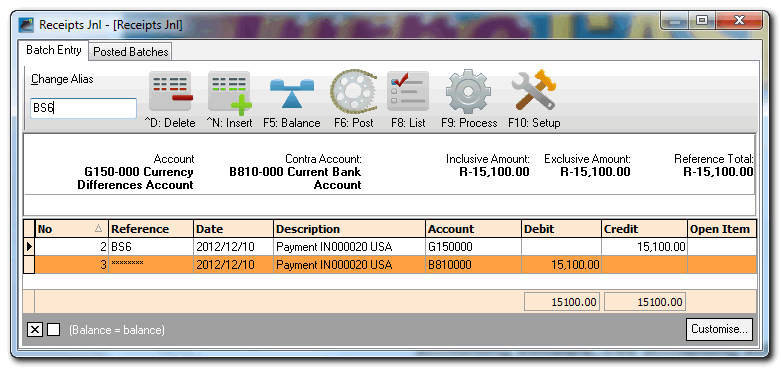
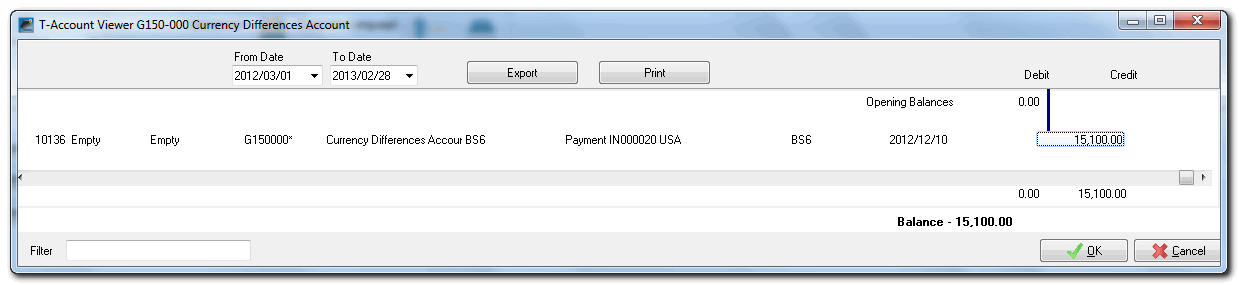

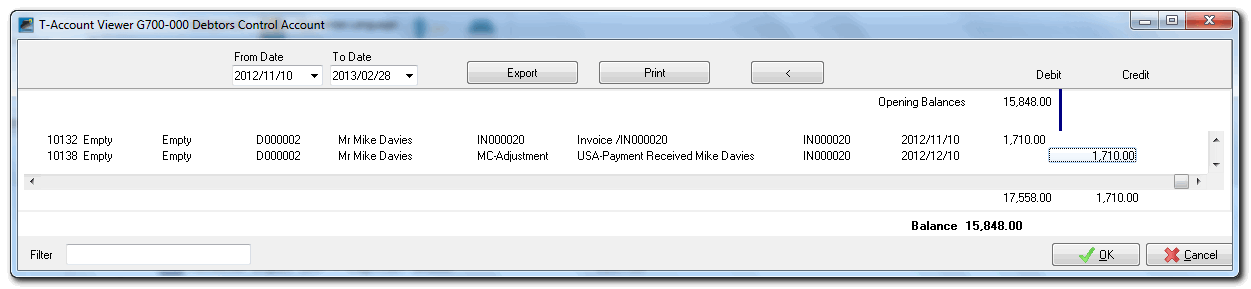
The amount received in the bank account, is 15100.00 and the customer invoice is 1710.00. The outstanding customers amount for the receipt need to be transferred to the customer account.
The Receipts journal - Usually entered from printed bank statement or an imported bank statement (BankImport Plugin)

The Profit / Loss with the Multi-currency will be recorded in the Currency - Differences account

Created with the Personal Edition of HelpNDoc: Easily create EPub books