Documents setup - Statement setup


The global message entered in the Statement setup will be printed on all Customer statements.
Enter global messages to display on all customer statements:
1.On the Setup ribbon, select Documents setup.
2.Select the Statement setup tab.
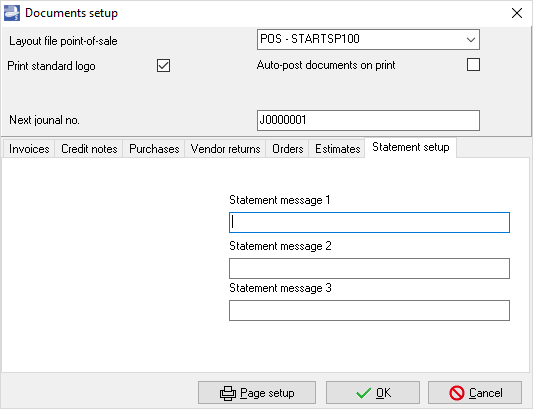
3.Enter the message in up to 3 lines to display on the Customer Statements.
4.Click on the OK button.
Enter statement messages for specific customer accounts:
1.On the Action ribbon, select Customers (F4).
2.Select the customer account.
3.On the Delivery address tab, enter a message of up to 3 lines.
4.Click on the Save button.
Created with the Personal Edition of HelpNDoc: Free CHM Help documentation generator