
Parameters (Report options)
Parameters allows specific selections (choices) in how the data is printed and the data that need to be included or excluded from the report.
When creating a parameter, a Delphi Form *.dfm parameter file will be created with the same name as your report.
In the Report man screen, the default report icon will change once a parameter is added:
|
Icon - Before parameters is added |
Icon - After parameters is added |
|
|
|
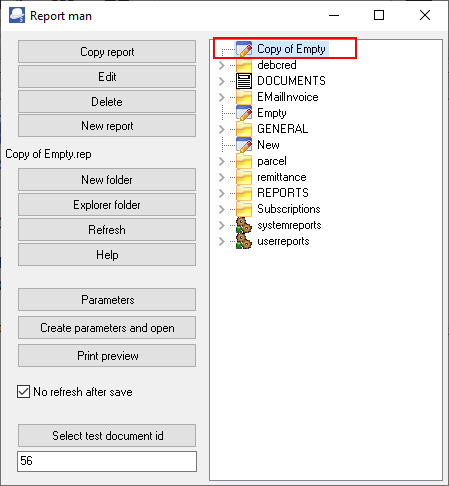
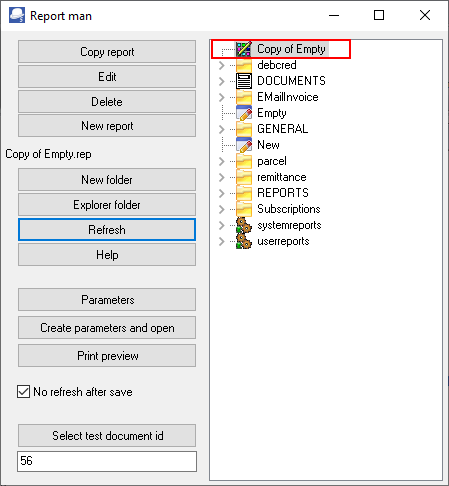
Once parameters is added, the report will consist of two (2) files (the report file (*.rep) and the parameter file (*.dfm). If you need to copy a report you need to copy both files.
When you click on the Refresh button, the icon will change in the Report man screen. This indicates that the report consists of two (2) files (for example if parameters is added to the "Copy of Empty.rep" report):
- Copy of Empty.rep
- Copy of Empty.dfm
|
|
When copy the report to a folder in the File explorer, you need to copy both these files. When renaming the report in the File explorer, you need to rename both these files with the same name. |

In this example, the following parameters is documented:
- Sort sequences parameters - Allows to change the sequence in which the data is displayed on a report.
- Lookup parameters - Allows to lookup a specific account or a range of accounts to include in the report.
- Groups parameters - Allows a list box in to select a group or groups to include in the report.