
Reportman - View data sets
To view the datasets:
1.Select the Dataset from the list and click on the Show data button.
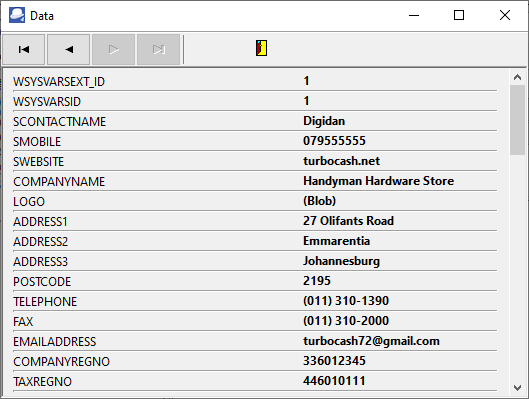
2.In this example, the Data (for the COMPANYINFO Dataset) is as follows:
If you click on the  Exit button, you will return to the Database connections and datasets screen. You may view other Datasets.
3.For example, if you view the DOCUMENTLINE Dataset, and you have more than one line in the document (transactions and / or comments), you may click on the navigation  buttons to view the transactions / and or comments.
4.Click on the OK button of the Database connections and datasets screen.