
Context-menu - Import
This option allows you to import documents from a valid exported txf file (exported in the Tools → Export menu - Documents option).
To import documents from a valid txf file:
1.On Input → Documents (Documents list screen), select the Document type, if the correct document type is not selected.
2.Right-click and select the Others → Import option on the context-menu.
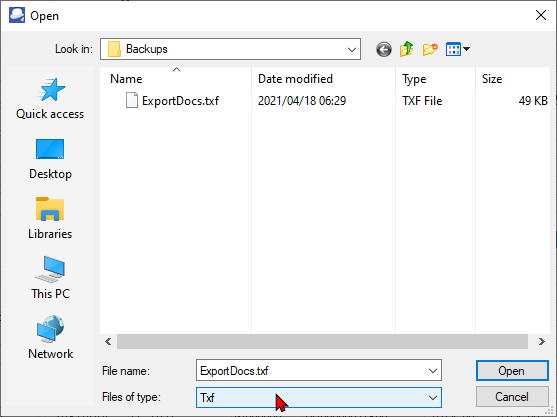
3.Select a valid txf file and click Open.
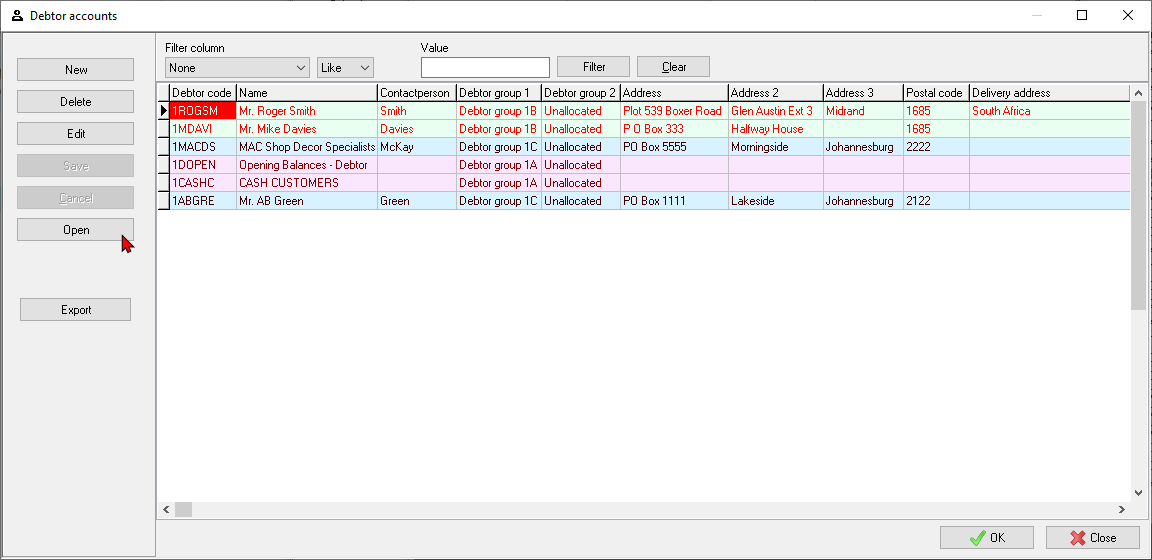
4.On the "Debtor accounts" screen, click on any of the OK, Close or Open buttons. The Documents will be imported.

|
|
"Reference" column, the source of the exported document Document number and the "Your reference" field of the original source document will be listed. Comments of the original document will also be imported. Document groups will not be imported. |
