Invoices - Debtor appointments


You may also create invoices for any of the six (6) categories of appointments scheduled with customers.
To create invoices for customer appointments:
1.On the Calendar, select any of the six (6) categories of customer appointments and right-click.
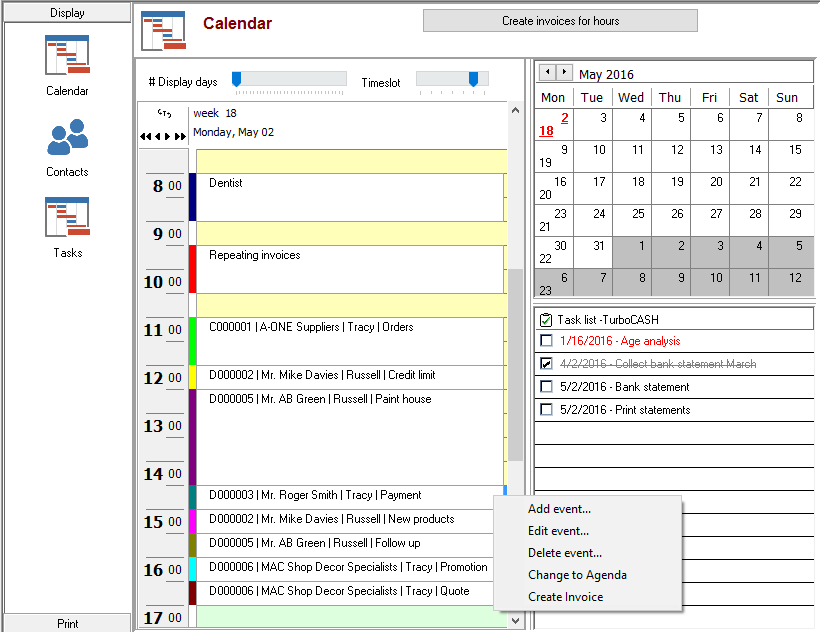
2.On the context menu, select the “Create Invoice” option. A new invoice entry screen, displaying all the information and details for the customer account will be displayed.
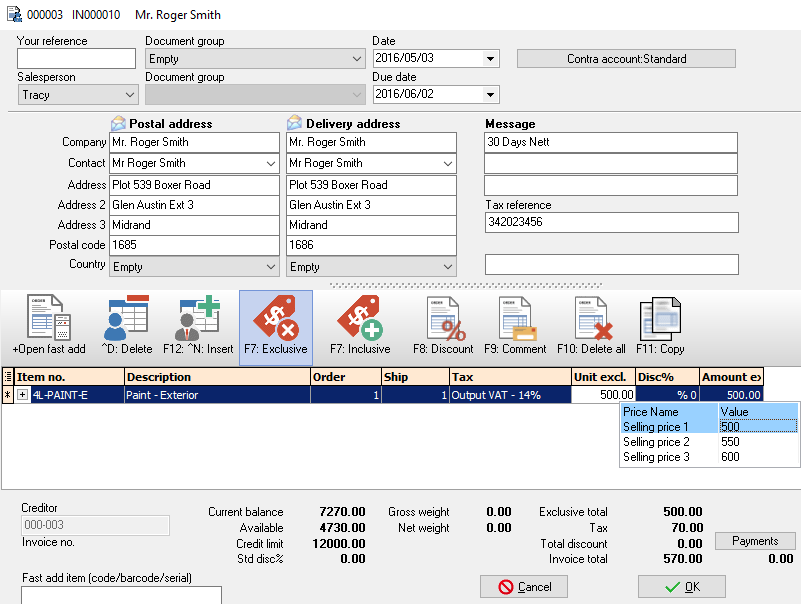
3.Enter and / or select the necessary fields and select a inventory item.
4.Click on the OK button.
Created with the Personal Edition of HelpNDoc: Easily create EBooks