Journal entry - Context menu - Lookup customer


To select a customer account in a journal:
1.Select a transaction in the journal.
2.Right-click and select the Lookupcustomer option on the context menu. TheCustomer accounts list screen is displayed:
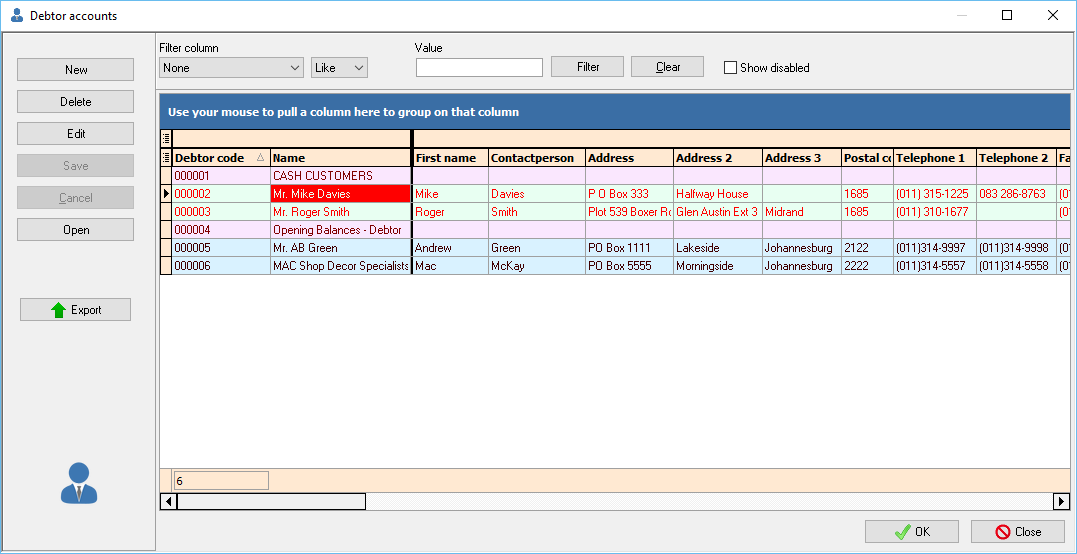
3.Select the customer account. (You may use the sort and filter options to locate a customer account).
4.Click on the OK or Open button. The selected account will be transferred to the account column.
Created with the Personal Edition of HelpNDoc: Benefits of a Help Authoring Tool