
Ledger analyser - This year vs last year
This report will display the comparative figures for up to 2 financial years or the same periods (a specific month, 2 months, 3 months, 4 months, 6 months or a year).
This year vs last year options
To print a This year vs last year report:
- On the Reports ribbon, select Ledger analyser 1 or Ledger analyser 2.
- Select the “This year vs last year” report type.
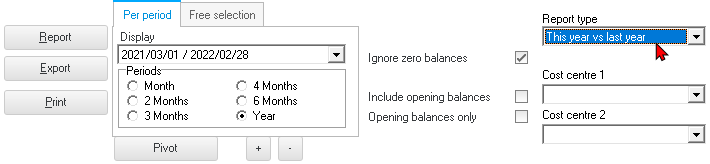
- Select “Per period” to select a period (Month, 2 Months, 3 Months, 4 Months, 6 Months or Year).
|
|
You may click on the “Free selection” tab. You may select or enter any date or dates, which you need to include the "This year vs last year" report. |

- "Ignore zero balances" - If this field is not selected, all accounts will be listed for the "This year vs last year" report. If you select (tick) this field; only those accounts with balances, will be included in the "This year vs last year" report.
- "Include opening balances" - If this option is selected (ticked), it will include the opening balances of those accounts which have opening balances. If this option is not selected; the opening balances will not be included in the "This year vs last year" report.
- "Opening balances only" - If this option is not selected; this option will not be displayed. If this option is available; you may select (tick) this option to include only the opening balances. All other balances will then be ignored.
- "Cost centre 1" and "Cost centre 2" - The Cost centres (2 Groups) will only be available, if Cost centres are added in Groups on the Setup ribbon; and if activated.
- Click on the Report button. This will build or refresh the "This year vs last year" report with the selected options.
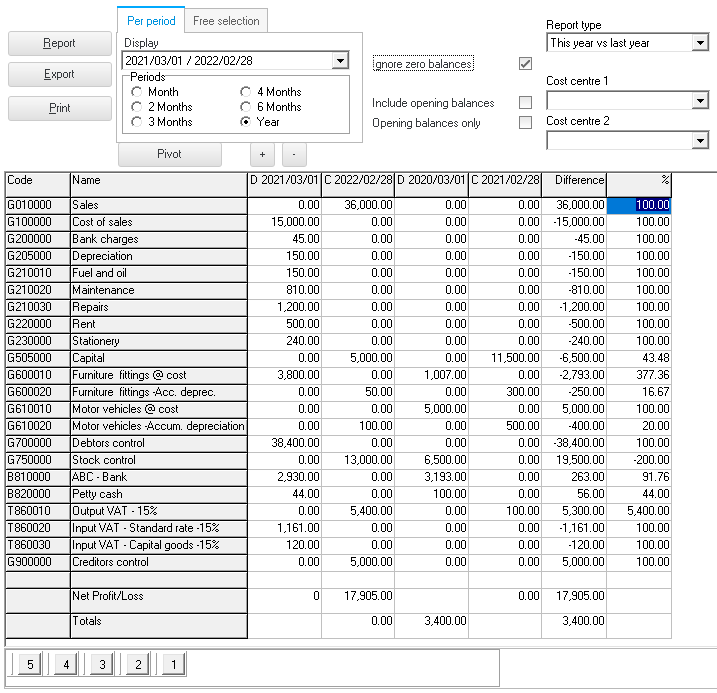
Example : This year vs last year
An example of the "This year vs last year" report type, in the "Ledger analyser" screen, is displayed as follows:
Printed example : This year vs last year
Click on the Print button. The parameter screen is displayed:
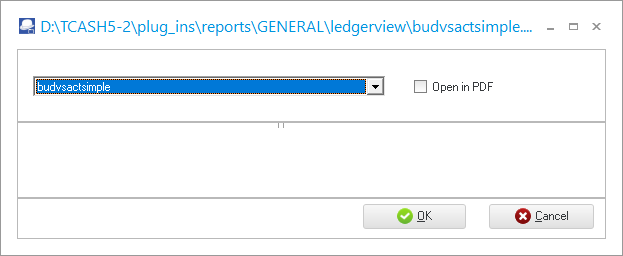
Click on OK.
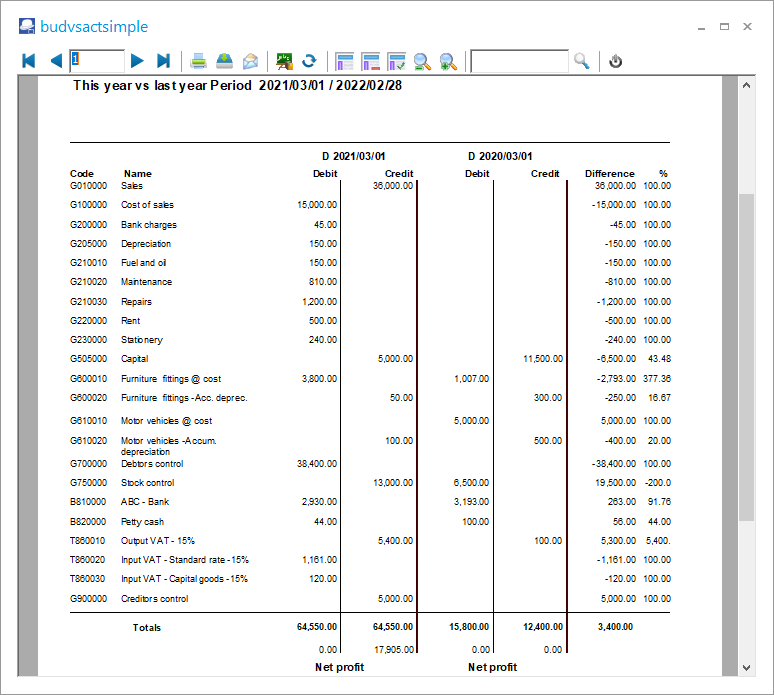
An example of the printed "This year vs last year" (no opening balances) report, is as follows:
|
|
To save the This year vs last year report as a PDF file:
|
