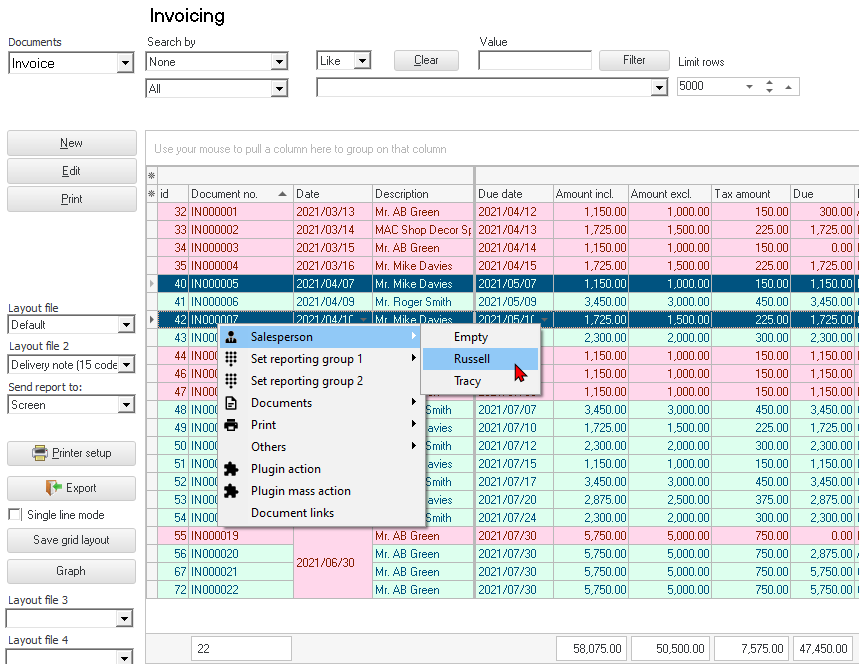
Context menu - Salesperson
You may change the Salesperson for a selected document or documents. Salespersons can be changed for posted as well as unposted documents.
To change the salesperson on documents:
- On Documents (Documents list screen) (Default ribbon), select the Document type, if the correct document type is not selected.
- Select the Document(s), right-click on "Salesperson" context menu and select "Empty" or the salesperson from the sub-menu. The Salesperson will change on documents and the reports.
|
|
If you need to select multiple documents, press the Ctrl or Shift key and click on each document, for which you need to change the salesperson. |