
Change stock code
To change the stock code:
- Click on the Change stock code button (next to the Stock code field.
- A confirmation message "Changing the stock code will result in all reports to use this code! Are you sure you want to change the code?" will be displayed.
|
|
Make absolutely sure that the correct stock item is selected. |

- If you click Yes, the following screen is displayed:
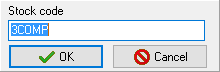
- Enter a new code for the Stock item.
- Click OK.