
Batch entry - Context menu - Lookup debtor
To select a debtor account in a batch:
- Select a transaction in the batch.
- Right-click and select the Lookup debtor option on the context menu. The "Debtor accounts" list screen is displayed:
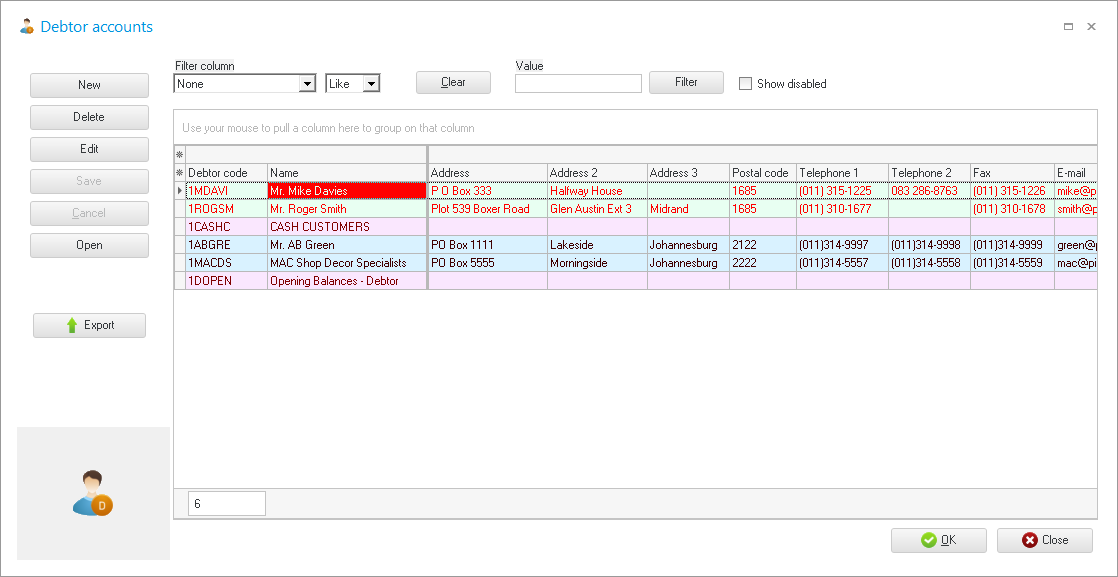
- Select the debtor (customer / client) account. (You may use the sort and filter options to locate a debtor (customer / client) account).
- Click on the OK or Open button. The selected account will be transferred to the account column.