Bank reconciliation reports
To print a bank reconciliation report:
- Click on the Report icon on the Reconcile bank account screen.
|
|
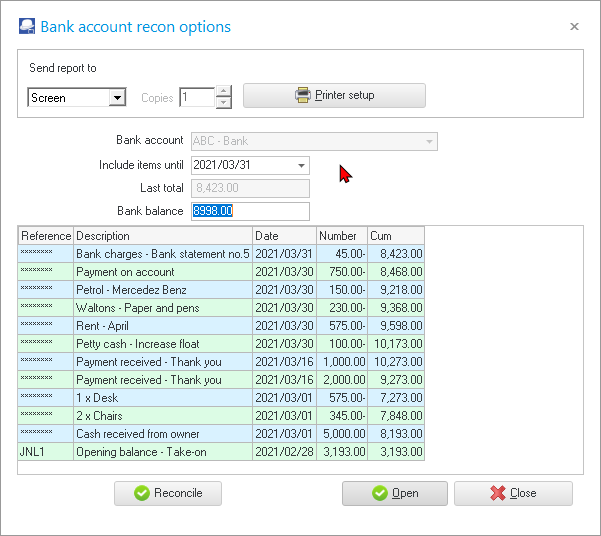
All the data of the Bank account, Date, Bank balance, etc. should still be the same as per your your previous selection criteria. |

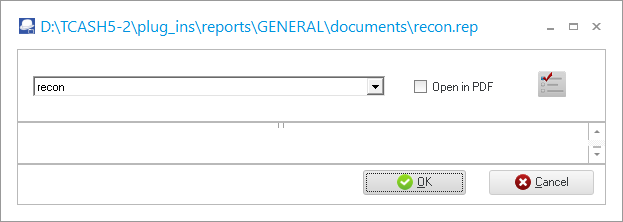
- Click on the Open or Reconcile button. The "recon.rep" report parameters screen will be displayed:
|
|
If you wish to print the bank reconciliation report in the PDF file format, you may tick the "Open in PDF" option. |

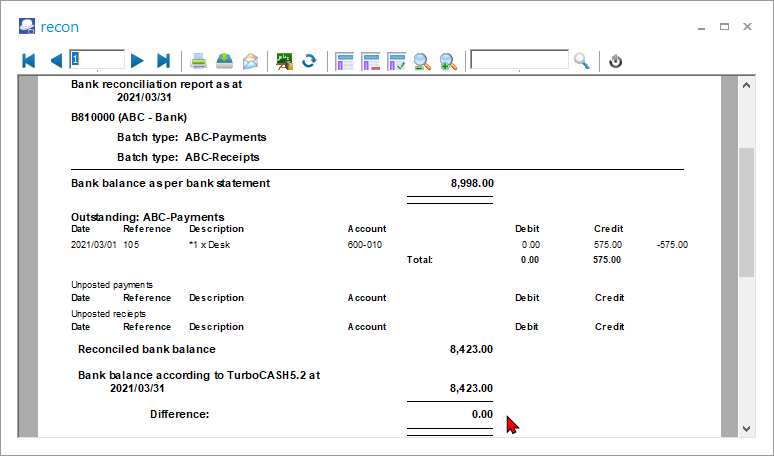
- The "Bank reconciliation report as at" is displayed: