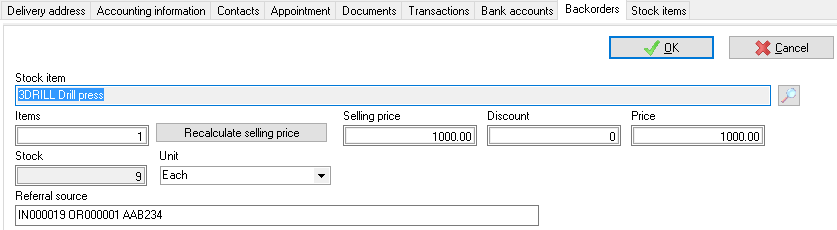
Backorders
Backorders may be added, edited or deleted in the following options on the Default ribbon:
- Edit → Backorders
- Stock items (Backorders) tab
- Debtors (Backorders) tab
- Processing Invoices and Quotes - You may also click on the Backorder icon to edit backorders when processing invoices and quotes.

The details of backorders may be printed or viewed in the Backorder report.
When processing sales documents, the Backorders screen is displayed:
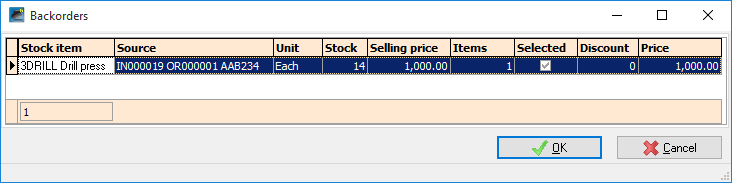
You may select the stock item and click on the OK button.
Input → Documents → Backorders (Default ribbon)
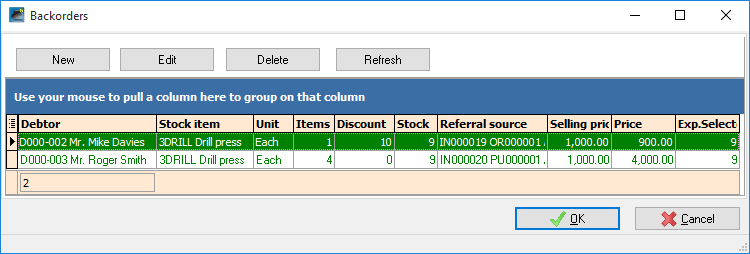
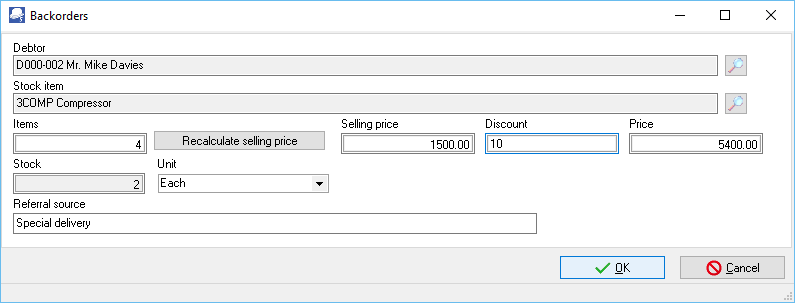
Stock items (Backorders) tab (Default ribbon)
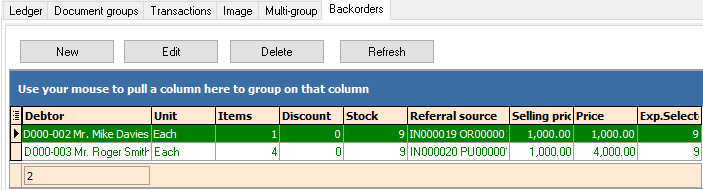
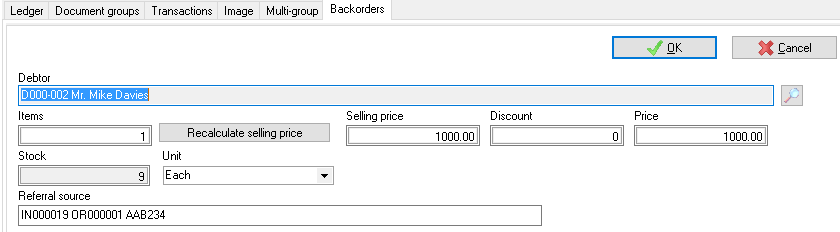
Default → Debtors (Backorders) tab