
Use tabs for stock
By default, the Stock item screen for a selected stock item, will display the Ledger, Document groups, Image, Multi Groups and Backorders tabs below the Stock information section.
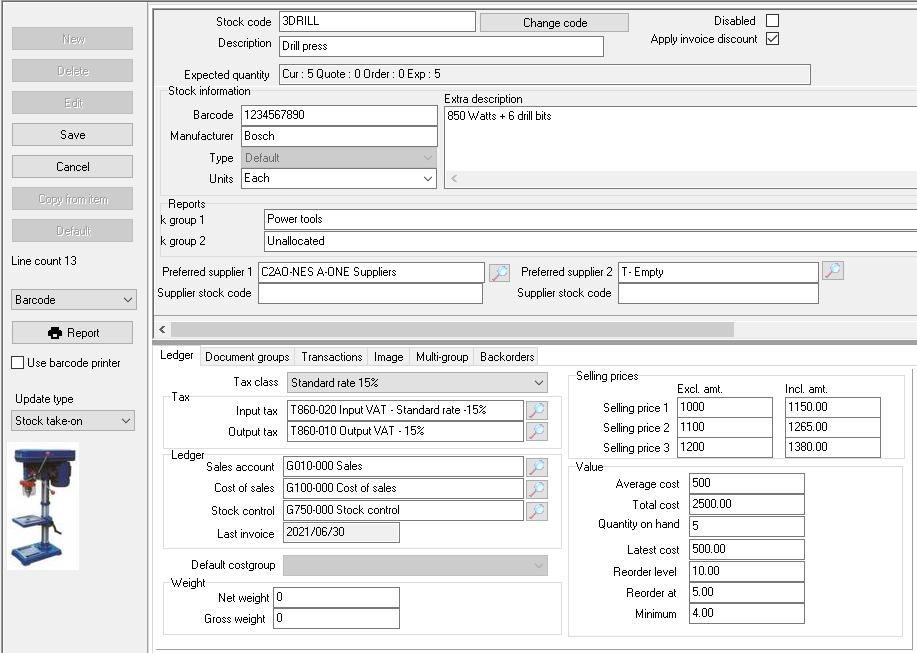
To change the interface of the Stock item screen:
1.Click on the Setup → System parameters → Stock information menu.
2.On the Stock information screen, deselect (remove the tick) in the "Use tabs in stock" field.
3.Click on the OK button. The Stock item screen for a selected Stock item will change as follows:
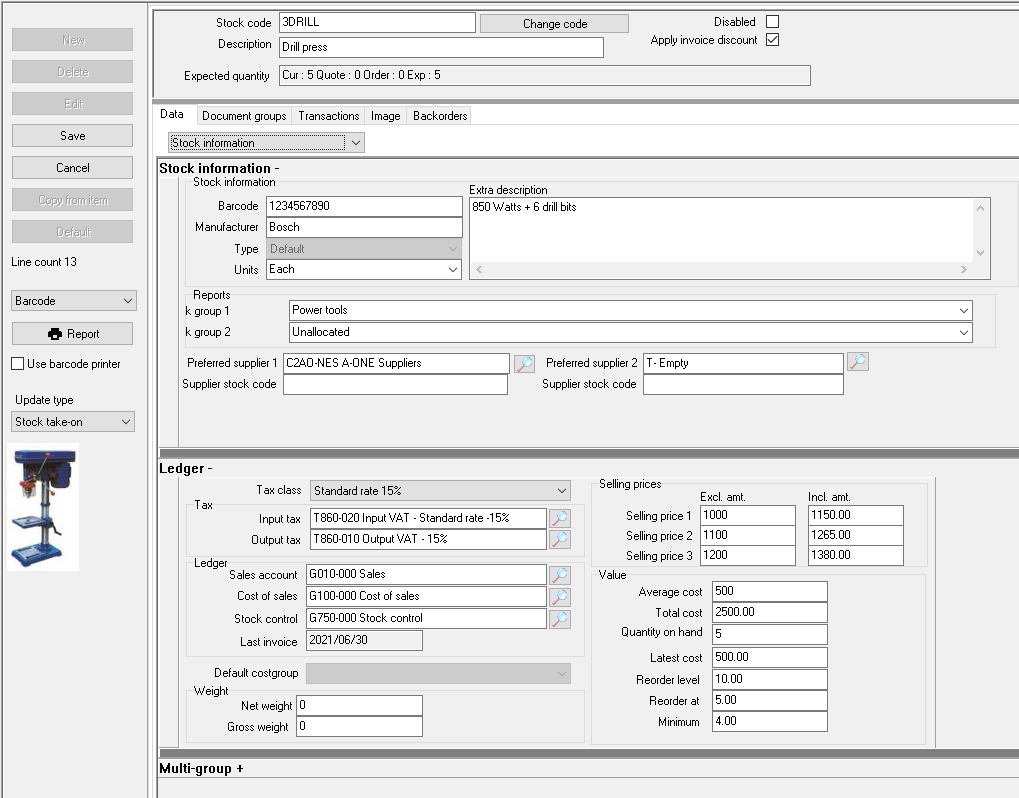
|
|
You may need to reopen the Set of Books; or go to the Tools → Close active forms menu, to close the Stock item screen before the changes will take effect. |
