
Calendar - Default setting
By default, the Welcome screen (Default tab) on the sidebar will be launched when opening a Set of Books. You may activate the Calendar to be displayed when opening a Set of Books.
To Set the Calendar as the Default option when opening the Set of Books:
1.Click on the Setup → Preferences → System parameters menu.
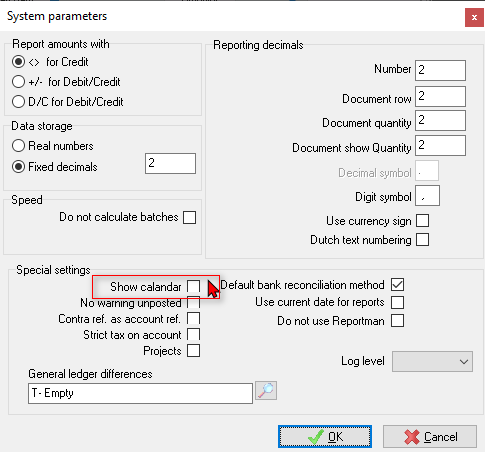
2.Select (tick) the “Show calendar” field.
3.Click on the OK button. This will save your setting and close (exit) the System parameters screen.